Prefect 架构
Abstract
运行多个 Prefect Server 实例可以实现高可用和负载分发。
前置要求
多 server 部署需要以下组件:
- PostgreSQL: 版本 >= 14.9(SQLite 不支持多服务器同步)
- Redis: 用于事件消息传递
- Load balancer: 用于 API 流量分发
架构概览
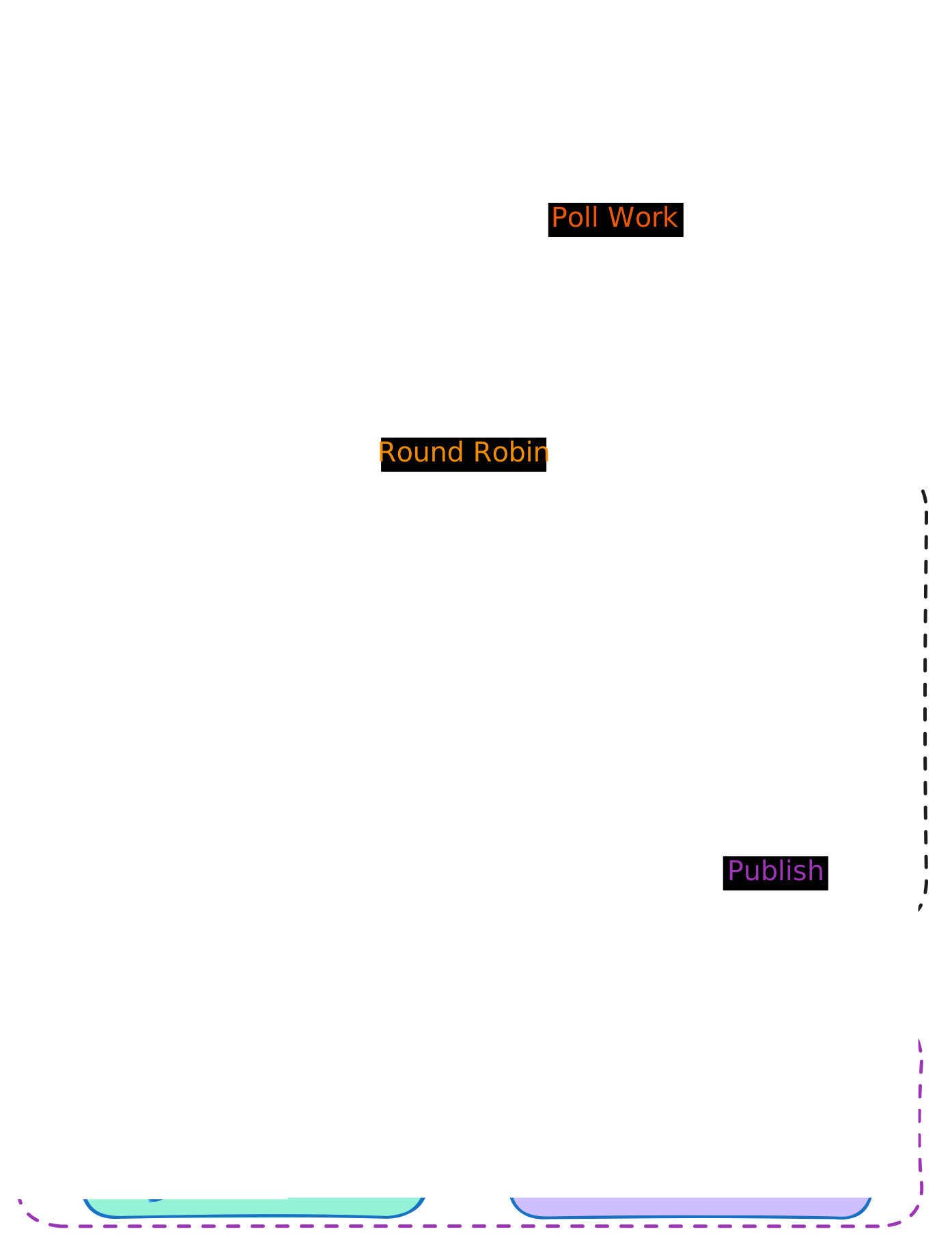
一个完整的 Prefect 自托管部署通常包含以下组件:
| 组件 | 职责 |
|---|---|
| 多个 API Server 实例 | 处理 UI 和 API 请求 |
| 后台服务(Background Services) | 运行调度器、自动化触发器等循环服务 |
| PostgreSQL 数据库 | 存储所有持久化数据,跨服务器同步状态 |
| Redis | 在服务之间分发事件 |
| 负载均衡器 | 将流量路由到健康的 API 实例(如 NGINX、Traefik) |
部署
服务分离
为了最佳性能,API Server 和后台服务应分开运行:
API Server(可启动多个实例):
prefect server start --host 0.0.0.0 --port 4200 --no-services
后台服务:
prefect server services start
数据库迁移
在多服务器部署中应禁用自动迁移:
export PREFECT_API_DATABASE_MIGRATE_ON_START="false"
在部署前单独运行迁移:
prefect server database upgrade -y
注意
PostgreSQL 版本必须 >= 14.9。SQLite 不支持多服务器所需的状态同步功能。
Docker Compose 部署
部署示例(Docker Compose)
以下是一个包含 3 个 API Server、1 个后台服务、PostgreSQL 和 Redis 的完整部署配置:
services:
postgres:
    image: postgres:15
    environment:
    POSTGRES_USER: prefect
    POSTGRES_PASSWORD: prefect
    POSTGRES_DB: prefect
    volumes:
    - postgres_data:/var/lib/postgresql/data
    healthcheck:
    test: pg_isready -h localhost -U $$POSTGRES_USER
    interval: 2s
    timeout: 5s
    retries: 15

redis:
    image: redis:7

migrate:
    image: prefecthq/prefect:3-latest
    depends_on:
    postgres:
        condition: service_healthy
    command: prefect server database upgrade -y
    environment:
    PREFECT_API_DATABASE_CONNECTION_URL: postgresql+asyncpg://prefect:prefect@postgres:5432/prefect

prefect-api:
    image: prefecthq/prefect:3-latest
    depends_on:
    migrate:
        condition: service_completed_successfully
    postgres:
        condition: service_healthy
    redis:
        condition: service_started
    deploy:
    replicas: 3
    command: prefect server start --host 0.0.0.0 --no-services
    environment:
    PREFECT_API_DATABASE_CONNECTION_URL: postgresql+asyncpg://prefect:prefect@postgres:5432/prefect
    PREFECT_API_DATABASE_MIGRATE_ON_START: "false"
    PREFECT_MESSAGING_BROKER: prefect_redis.messaging
    PREFECT_MESSAGING_CACHE: prefect_redis.messaging
    PREFECT_SERVER_EVENTS_CAUSAL_ORDERING: prefect_redis.ordering
    PREFECT_SERVER_CONCURRENCY_LEASE_STORAGE: prefect_redis.lease_storage
    PREFECT_REDIS_MESSAGING_HOST: redis
    PREFECT_REDIS_MESSAGING_PORT: "6379"
    PREFECT_SERVER_DOCKET_URL: redis://redis:6379/1
    ports:
    - "4200-4202:4200"

prefect-background:
    image: prefecthq/prefect:3-latest
    depends_on:
    migrate:
        condition: service_completed_successfully
    postgres:
        condition: service_healthy
    redis:
        condition: service_started
    command: prefect server services start
    environment:
    PREFECT_API_DATABASE_CONNECTION_URL: postgresql+asyncpg://prefect:prefect@postgres:5432/prefect
    PREFECT_API_DATABASE_MIGRATE_ON_START: "false"
    PREFECT_MESSAGING_BROKER: prefect_redis.messaging
    PREFECT_MESSAGING_CACHE: prefect_redis.messaging
    PREFECT_SERVER_EVENTS_CAUSAL_ORDERING: prefect_redis.ordering
    PREFECT_SERVER_CONCURRENCY_LEASE_STORAGE: prefect_redis.lease_storage
    PREFECT_REDIS_MESSAGING_HOST: redis
    PREFECT_REDIS_MESSAGING_PORT: "6379"
    PREFECT_SERVER_DOCKET_URL: redis://redis:6379/1

volumes:
postgres_data:
负载均衡配置
健康检查端点:
| 配置项 | 值 |
|---|---|
| 健康检查路径 | /api/health |
| 预期响应 | HTTP 200,返回 {"status": "healthy"} |
| 检查间隔 | 5-10 秒 |
NGINX 配置示例:
upstream prefect_api {
    least_conn;
    server prefect-api-1:4200 max_fails=3 fail_timeout=30s;
    server prefect-api-2:4200 max_fails=3 fail_timeout=30s;
    server prefect-api-3:4200 max_fails=3 fail_timeout=30s;
}

server {
    listen 4200;

    location /api/health {
        proxy_pass http://prefect_api;
        proxy_connect_timeout 1s;
        proxy_read_timeout 1s;
    }

    location / {
        proxy_pass http://prefect_api;
        proxy_set_header Host $host;
        proxy_set_header X-Real-IP $remote_addr;
        proxy_set_header X-Forwarded-For $proxy_add_x_forwarded_for;
        proxy_set_header X-Forwarded-Proto $scheme;
    }
}
运维注意事项
数据库迁移超时
大型数据库(events、flow_runs、task_runs 表可能达到数百万行)在创建索引时,默认 10 秒超时可能不够。可以通过增加超时来解决:
export PREFECT_API_DATABASE_TIMEOUT=600
prefect server database upgrade -y
监控要点
| 监控项 | 说明 |
|---|---|
| 数据库连接数 | 关注连接池是否耗尽 |
| Redis 内存 | 确保消息队列有足够内存 |
| API 响应时间 | 追踪不同端点的延迟 |
| 后台服务延迟 | 监控事件创建到处理的时间差 |
最佳实践
- 从 2-3 个 API 实例开始,根据负载情况扩展
- 使用连接池高效管理数据库连接
- 充分监控后再扩展(推荐 Prometheus + Grafana 或 Logfire)
- 定期测试故障转移场景